Operations
Business process automation
Admin waits for whoever happens to be free.
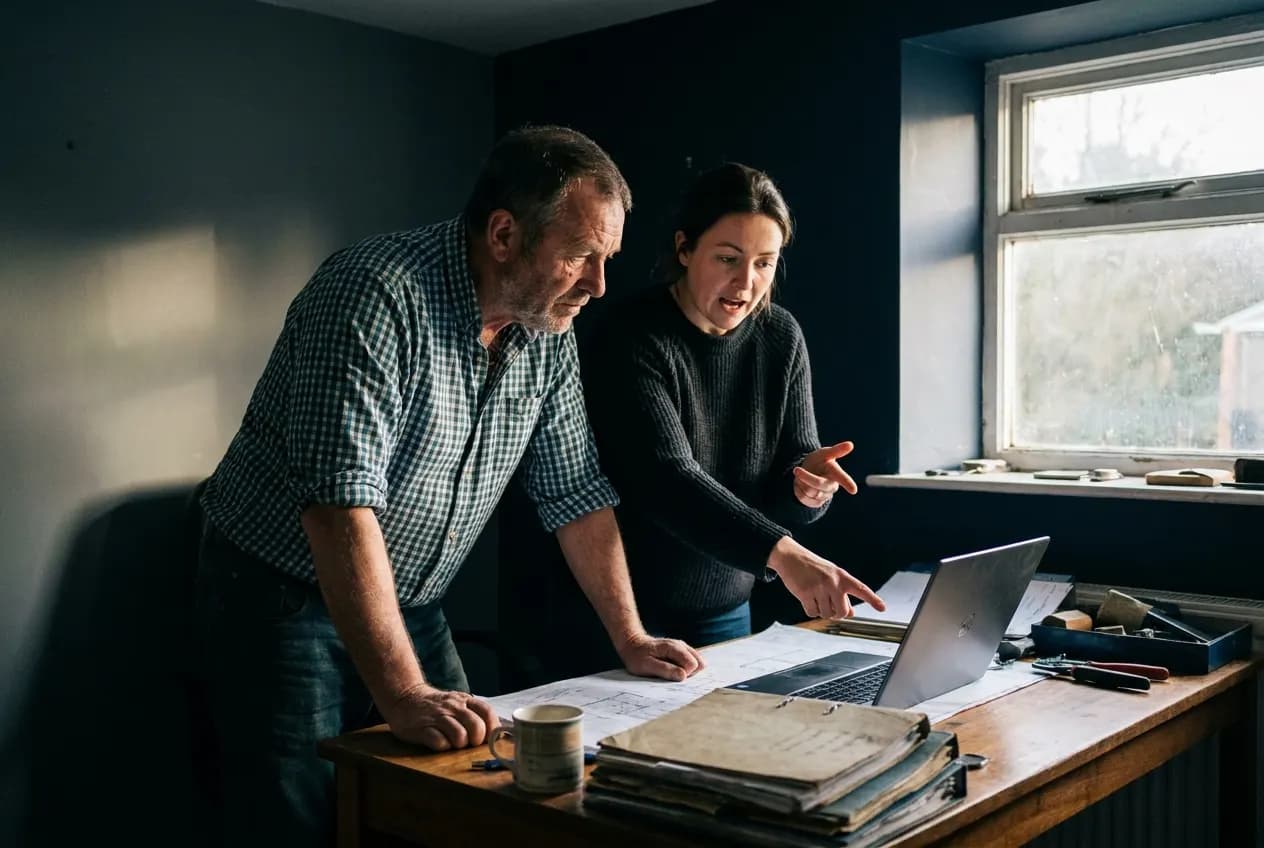
The problem
Why it happens.
Most processes in a growing business were never designed. They started as one person doing a task the way that made sense at the time, and the steps grew around them. Nobody wrote them down because the person doing the work knew them, and the business kept running as long as that person was there and had time.
As the business grows, the routine work grows with it, but the way it is done stays the same. It still depends on memory and goodwill, so it slips at the busiest times, which is exactly when it matters most. Adding software on top does not help while the steps themselves are unclear, which is why the work starts with a map of how things happen today.
Signs you have this problem
- Things get done when someone remembers, and slip when they are busy or away.
- One person holds the routine admin in their head.
- Reminders, confirmations and invoice chasers go out late or not at all.
- Holiday cover means a long handover note, and a few things are missed anyway.
- The end of the day goes on catching up with admin when it should go on planning tomorrow.
The answer
In plain terms.
In many businesses the routine work runs on memory. Someone remembers to send the reminder, chase the invoice or update the job sheet, until they are busy or on holiday. Business process automation starts by writing down how that work happens today. The repeatable parts then become defined workflows that run on time, and the exceptions go to a named person.
What changes
Routine work happens on time without being chased.
How it works
- 01
Map the work as it is
We sit with the people who do the work and record each step, who does it and where it tends to stall.
- 02
Pick what to automate first
Tasks that are frequent, repeatable and rule-based go first. Work that needs judgement stays with people.
- 03
Build the workflow
Each process gets a trigger, a set of steps, and an owner for anything that does not fit the rules.
- 04
Run it alongside the old way
The workflow is checked against real cases before the manual version is switched off.
A typical rollout
From first call to live.
Timings are a rough guide. They depend on your systems, your availability and what the discovery work finds.
- 01 · First week or two
Map the work
Short sessions with the people who do the work to record each process, its steps and where it stalls.
- 02 · The week after
Prioritise and design
We agree which processes to automate first and design each workflow with its trigger, its steps and an owner for exceptions.
- 03 · The following few weeks
Build and run in parallel
Workflows are built in your existing tools and run alongside the manual process so the results can be compared.
- 04 · Once the parallel run looks right
Switch over and document
The manual version is retired, documentation is handed over and the next process on the list begins.
What you get
- A written map of the processes reviewed
- Automated workflows for the agreed processes
- A named owner for each type of exception
- Notifications so the right person knows when something needs them
- Documentation your team can follow
What it connects to
- CRM
- Calendar
- Accounting and invoicing tools
- Forms and job management systems
Who it suits
- Owner-led businesses where admin piles up on one or two people
- Teams that rely on spreadsheets and reminders to keep work moving
- Businesses about to grow and worried the admin will not keep up
A typical example
How it plays out.
A small building firm’s office manager handles quotes, reminders, job confirmations and invoice chasing by hand. After mapping the work, the quote follow-up, job confirmation and invoice reminders become workflows that run on their own. The office manager now handles the exceptions, such as a disputed invoice or a job that needs rescheduling, and the rest happens on time.
A generic scenario to show how the work runs. It does not describe a specific client.
Measuring it
How you know it is working.
- Tasks completed on time
- The core problem is work slipping. Checking that reminders, confirmations and chasers go out when they should shows the workflow is doing its job.
- Exceptions raised, and how quickly they are handled
- Exceptions are where people still add value. A steady flow handled promptly means the design is sound. A pile-up means a rule needs changing.
- Time spent on the automated tasks
- A simple before-and-after record of time spent on the mapped tasks shows how much of the day has gone back to the team.
- Workflow failures
- Every failed step should raise an alert. Counting them shows how reliable each workflow is and where a connection needs attention.
- How the team finds the new way of working
- A short check-in with the people who used to do the work shows whether the workflow fits how they operate, or whether they have drifted back to workarounds.
Risks and safeguards
What could go wrong, and what stops it.
Risk
An automated step repeats a mistake many times over.
Safeguard
Every workflow runs alongside the manual process on real cases before it takes over, and later changes are tested before they go live.
Risk
Exceptions fall through the gap.
Safeguard
Each process has a named owner who is notified, with the details, whenever a case does not fit the rules.
Risk
Know-how is lost when staff change.
Safeguard
Each workflow is documented in plain language, so the next person can see what runs, when and why.
Risk
Automations reach data they do not need.
Safeguard
Connections use the narrowest access each step requires, and customer data stays in your existing systems in line with your UK GDPR responsibilities.
Questions
What people ask about this.
Which processes are worth automating?
Work that happens often, follows the same steps each time and currently depends on someone remembering. The mapping stage shows which of your processes fit.
What happens when something does not fit the rules?
It goes to the named owner for that process, with the details attached. Exceptions are part of the design from the start.
Do we need to change our software?
Usually not. Most automation is built on the tools you already use. Where a tool cannot connect, we say so and suggest options.
How long does the mapping take?
It depends on how many processes are in scope. As a rough guide, a focused review of two or three processes runs over a week or two, mostly in short sessions with the people who do the work.
Will automation make mistakes?
Automated steps follow the rules they are given, so the risk sits in the rules. That is why each workflow runs alongside the manual version first and has a named owner for anything that does not fit.
Who maintains the workflows afterwards?
Your team gets documentation for each workflow and a named owner on your side. We can support changes as the business changes, or your own staff can make small edits.
Next step
Start with the free AI Opportunity Assessment.
A short, no-obligation conversation about where your business is losing enquiries, hours and revenue. You do not need to choose a package first, and whatever we find carries straight into your audit, so your first paid day starts from evidence.