Strategy and infrastructure
AI infrastructure and private models
Sensitive data cannot be sent to a public AI service.
The problem
Why it happens.
Most AI tools are delivered as public services, so using them means sending prompts and documents to a third party’s systems. For many tasks that is fine. For client files, health information or commercially sensitive material, it can conflict with contracts, professional rules or the business’s own appetite for risk.
The usual result is a blanket ban that is hard to enforce. Staff who see the benefit use personal accounts anyway, and the business loses sight of where its data goes. Running a model on hardware you control removes that conflict for the sensitive tasks, but it needs planning: the right model for the job, enough hardware to run it and clear rules about who can use it for what.
Signs you have this problem
- Staff are told not to use AI on client work, and some use it anyway.
- Client contracts or professional rules restrict where data can be processed.
- Your data protection lead cannot sign off a public AI service.
- You want AI to search your own documents but cannot upload them anywhere.
- Confidential files are summarised by hand because there is no safe alternative.
The answer
In plain terms.
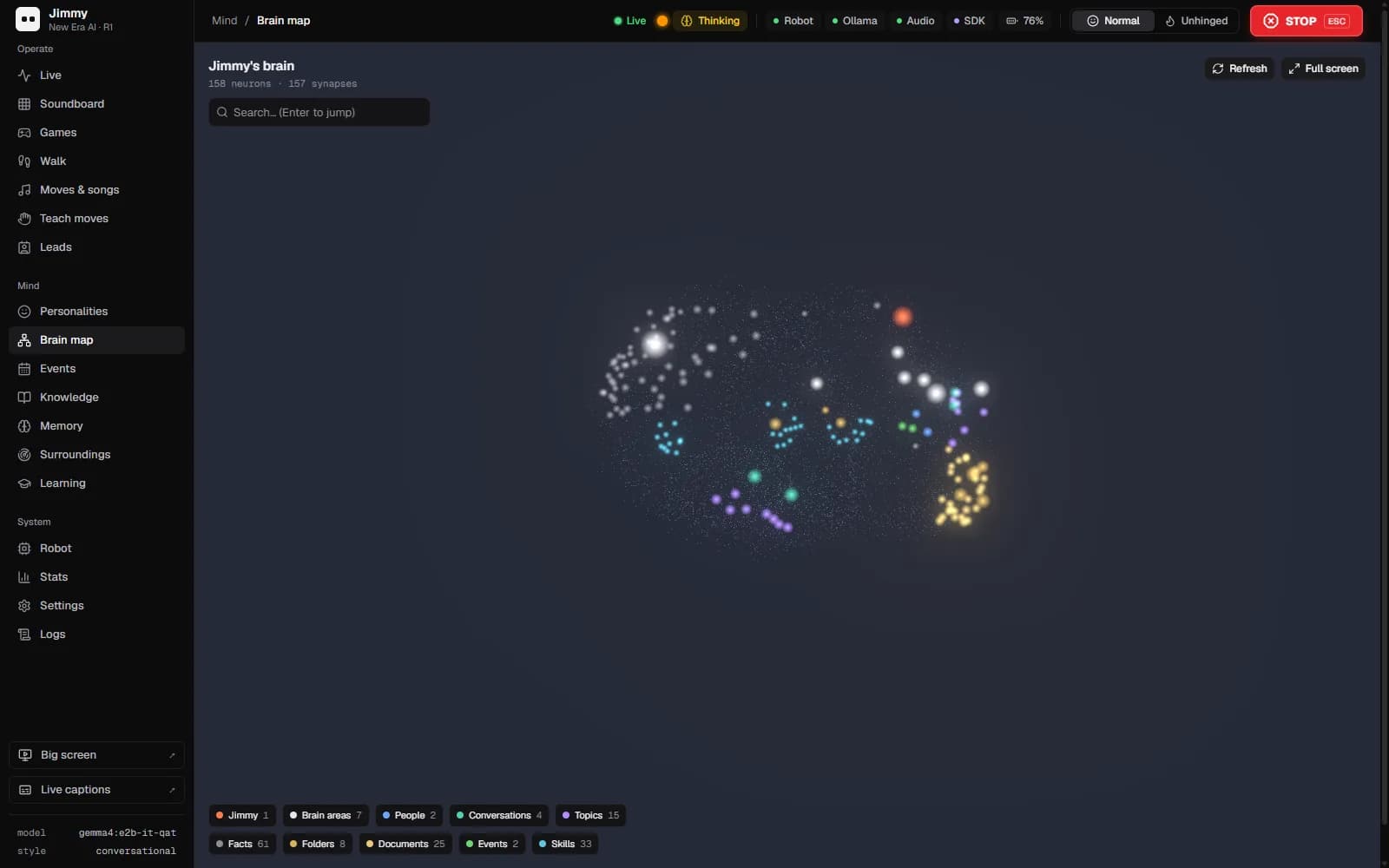
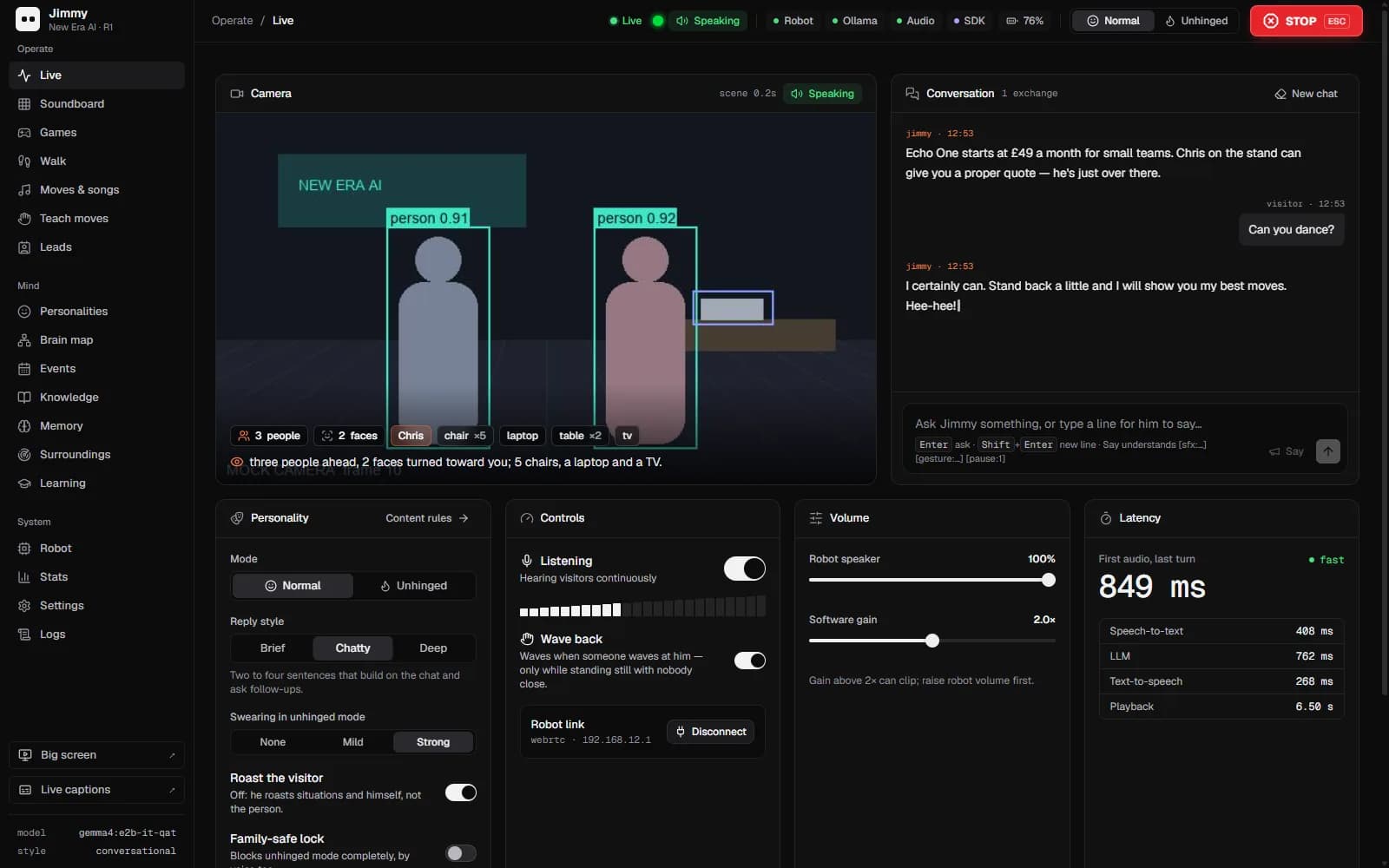
Some data should not leave the building: client files, health records, contracts and anything covered by strict confidentiality terms. Private AI means running a language model on hardware you control, so prompts and answers stay inside your own environment. We plan the hardware, deploy the model and connect it to the tools your team uses. Jimmy, our humanoid robot, runs on a local model we deployed ourselves.
What changes
AI where you need it, without the data leaving your control.
How it works
- 01
Decide what must stay private
We identify the data and tasks that cannot go to a public AI service, and the ones that can.
- 02
Choose the model and hardware
A model sized to the job and hardware to run it, on your premises or in an environment you control.
- 03
Deploy and connect
The model is installed, secured and connected to the documents and tools it needs to work with.
- 04
Hand over and support
Your team gets clear documentation and a route for updates as models and needs change.
A typical rollout
From first call to live.
Timings are a rough guide. They depend on your systems, your availability and what the discovery work finds.
- 01 · First week or two
Assess the data and tasks
We agree which tasks and data must stay private, which can use public services and what the private model needs to do.
- 02 · The next few weeks, depending on supply
Size and source the hardware
The model and hardware are chosen to fit the job, on your premises or in an environment you control.
- 03 · Once the hardware is in place
Deploy and connect
The model is installed, secured, connected to the agreed documents and tools, and tested on real tasks.
- 04 · After launch
Hand over and support
Documentation, access rules and a route for updates are handed to your team.
What you get
- A clear split between private and public AI use
- A language model running on hardware you control
- Connections to the documents and tools it needs
- Access controls and documentation
What it connects to
- Your own servers or private cloud
- Document stores
- Internal tools and chat
- Existing security and access controls
Who it suits
- Legal, financial and healthcare businesses handling confidential data
- Firms with client contracts that rule out public AI services
- Organisations that want AI without sending data to a third party
A typical example
How it plays out.
A law firm wants staff to summarise and search case documents with AI, but its client terms rule out sending files to a public service. A model is deployed on hardware inside the firm’s own environment and connected to its document store. Staff ask questions in plain words, and the documents, prompts and answers stay within the firm’s systems.
A generic scenario to show how the work runs. It does not describe a specific client.
Measuring it
How you know it is working.
- Tasks moved onto the private model
- This shows whether the private setup is doing the work it was built for or sitting unused.
- Use of unapproved AI services
- If the private option is useful, staff have less reason to use personal accounts. Checking this is part of good data governance.
- Answer quality on your own tasks
- Testing the model on a fixed set of real tasks over time shows whether it is good enough or whether a different model would serve better.
- Response times
- Local models depend on hardware. Slow answers are the first sign the hardware needs adjusting or the model is too large for it.
- Who is using it, and for what
- Usage by team and task shows whether the private model reaches the people handling confidential work, and whether access rules need widening or tightening.
Risks and safeguards
What could go wrong, and what stops it.
Risk
The private model can be reached from outside.
Safeguard
It is deployed inside your own network or private environment, behind your existing security, with access only for named users and systems.
Risk
Staff see documents they should not.
Safeguard
The model is connected only to agreed document stores, and existing access permissions are respected.
Risk
The model is not good enough for the task.
Safeguard
Models are tested on your real tasks during planning, and where a task needs more, we say so before you buy hardware.
Risk
Data protection duties are overlooked.
Safeguard
Running privately does not remove UK GDPR duties. We document what data the model can reach, how prompts and answers are stored and how long they are kept.
Questions
What people ask about this.
Is a private model as capable as a public AI service?
For many focused tasks, such as summarising and searching your own documents, a well-chosen local model does the job. Where a task needs more, we say so during planning.
Do we need our own hardware?
The model runs on hardware you control. That can be on your premises or in an environment you manage. We help size it to the job.
What does Jimmy have to do with this?
Jimmy, our humanoid robot, runs on a local model we deployed ourselves. It shows the same approach working in practice.
Does private AI help with UK GDPR?
Keeping data on systems you control makes it simpler to know where personal data goes and who processes it. You still need a lawful basis, access controls and retention rules, and we build those into the setup.
Can we use public and private AI together?
Yes. Routine tasks with no sensitive data can use public services, while confidential work goes to the private model. The planning stage sets that split and writes it down for staff.
Who looks after the model once it is running?
Your team receives documentation for the setup, and we can support updates, new models and hardware changes. If your own IT team will own it, the handover is written for them.
Next step
Start with the free AI Opportunity Assessment.
A short, no-obligation conversation about where your business is losing enquiries, hours and revenue. You do not need to choose a package first, and whatever we find carries straight into your audit, so your first paid day starts from evidence.